The Walk Score API
04 February 2025 #ruby
Related Posts
Scraping Zillow For The Little Guys (03 Feb 2025)
In my last post, I talked about how I wrote a script to scrape Zillow to find me apartments that weren’t a highrise or big apartment complex (since for some reason this filter isn’t available in their UI).
My scraping system pulled the data from the main Zillow search view, which included a lot of good info like size, price, and beds/baths. Unfortunately, it did not include the “Walk Score” numbers, which I really wanted in order to further narrow down my search. The individual apartment listing pages do have this data, but I was looking at a few hundred candidates and Zillow has some pretty hefty anti-scraping measures that would probably block me for trying to request all of these.
Walk What?
If you haven’t heard of Walk Score before: it’s a company that tracks a bunch of data about restaurants and businesses, and uses it to compute scores for a given property or neighborhood. They report three numbers: a walk score, transit score, and bike score.
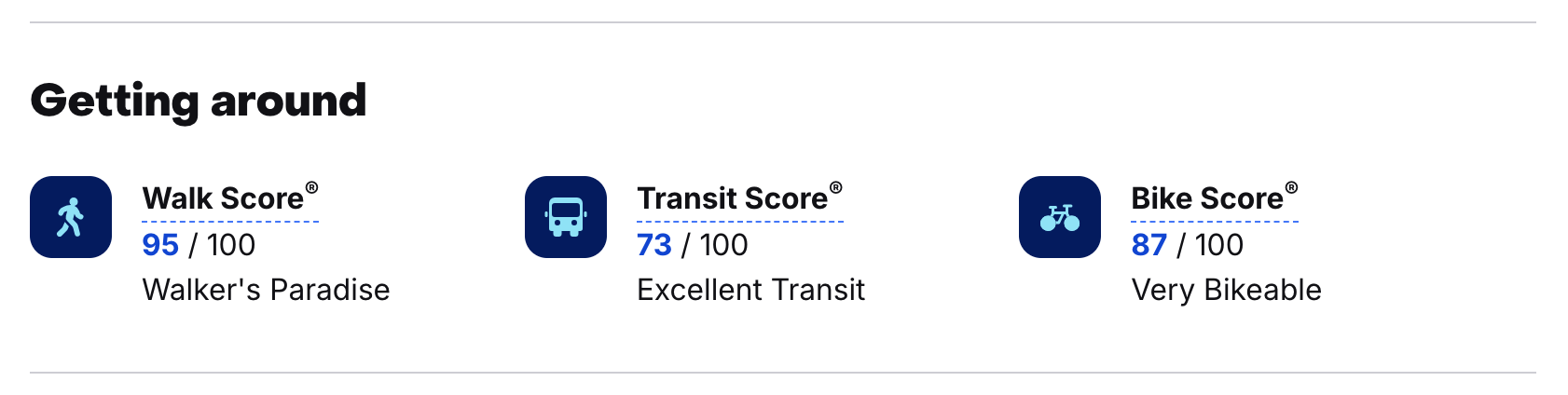
Lucky for me, the Walk Score company also has an API available. Not only that, but they have a “free version” which allows up to 5,000 API requests per day, plenty for what I wanted to use it for.
Signing Up
Right away I noticed something interesting about the signup page: a field labeled “Domain where Walk Score will be used” that was required for submitting the form.
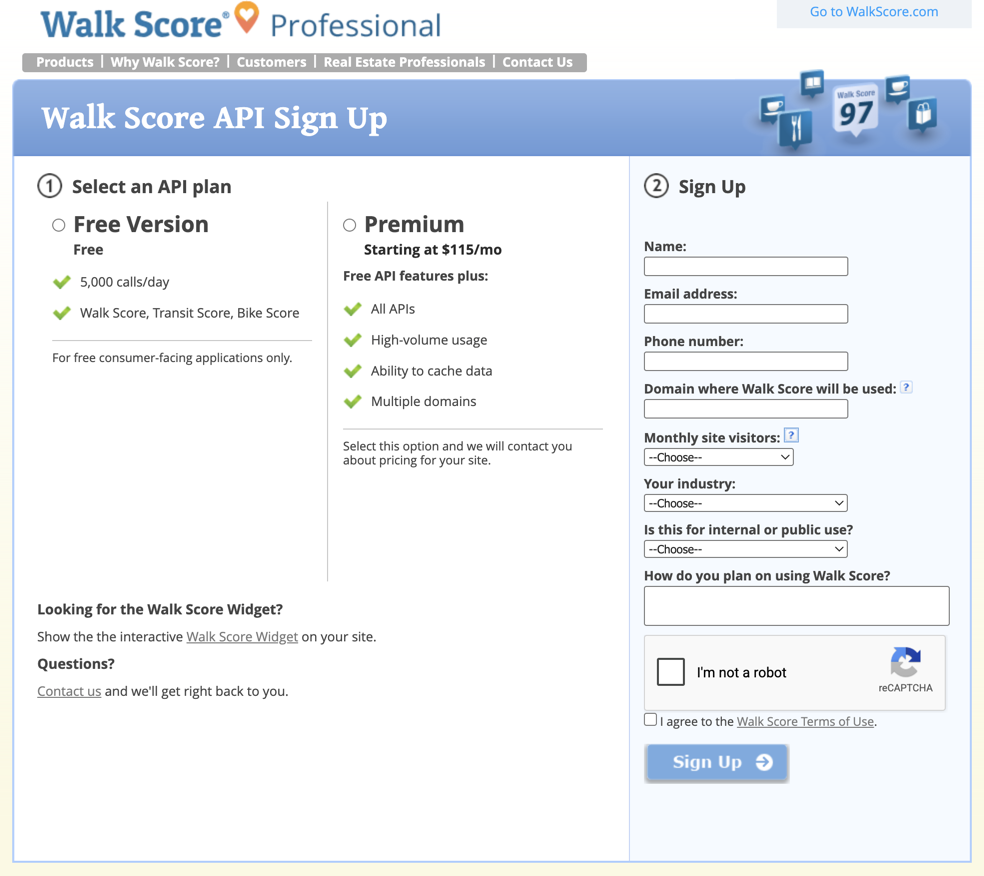
I’m not really using the Walk Score numbers live on a site… so at first I tried just n/a, but this gave me an error stating “Please enter a valid domain name”.
Ok, no problem, I have a domain! Plus, I’m writing a blog post about this, so I’m sorta “using” the scores on this site. I’ll just put in caleb.software and– nope, now it’s rejecting the Gmail address I was using with “Please enter a valid email address with your website’s domain name”.
I don’t really use my blog’s email at all, but whatever. me@caleb.software goes in the email field, I hit Sign Up, and I’m greeted by a third error message: “Please correct your email address”. If I had to guess, they have some regex on the email field that doesn’t like TLDs longer than a few characters1.
What if I lied and just said I was using the scores on gmail.com? But no, that also fails with “Please enter the domain name of your website”, so they must also have some denylist of common email domains here.
Before giving up and emailing their support, I gave it one last-ditch effort with my old Purdue email address and purdue.edu as the domain. And it worked!
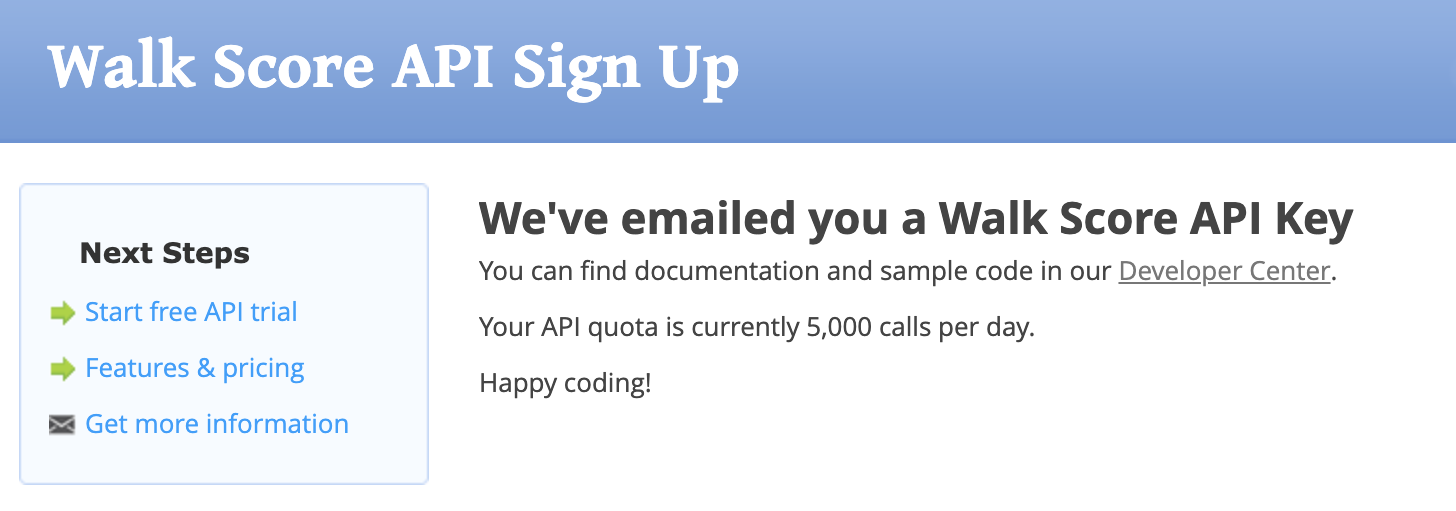
Well, sorta. Nothing on the earlier page said they would email the API key to me. I lost access to that email after I graduated, so I couldn’t actually get the key. Luckily, my friend’s younger brother was attending Purdue, and I convinced him to let me sign up with his email and forward the key to me.
Calling The API
After all of the signup shenanigans, I had very low expectations, but I was pleasantly surprised to find that the API is actually really easy to use. It’s a simple REST API, where you pretty much just have to provide a street address alongside the lat/long coordinates to get the Walk Score data back. I had all of this data from Zillow already, so all that was needed was a simple request like this to get the scores.
uri = URI("https://api.walkscore.com/score")
params = {
  format: 'json',
  address: address,
  lat: lat,
  lon: lng,
  transit: 1,
  bike: 1,
  wsapikey: API_KEY
}
uri.query = URI.encode_www_form(params)
response = Net::HTTP.get(uri)
Beyond that, I just wrote a little Ruby script to go through each row of my CSV and hit the API for each one. Ultimately this was a huge help in the apartment search, and let me narrow things down to just a few candidates we really liked that were worth touring. We ended up choosing one with a 91 Walk Score!
-
Come on guys,
.softwarewas introduced all the way back in 2014, what are we doing here? (return)